1. Layered backgrounds
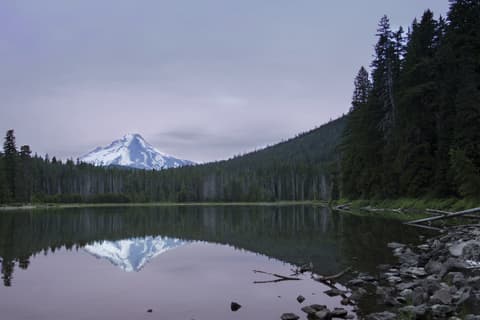
The lake trail at first light, before anyone else is up.
Two layers: a gradient scrim on top, the photograph under it, and a background color under both in case the photo never arrives.
2. Gradients are images
linear-gradient()radial-gradient()conic-gradient()repeating-linear-gradient()
Four images, zero downloads. The browser paints each one at whatever size the box has.
3. image-set() with type()
4. List markers
- Torrey Pines beach trail
- Cowles Mountain summit
- Check the tide table
- Pack more water than seems sensible
An SVG list-style-image on the first list; a colored, bold ::marker on the second.
5. border-image
A gradient makes a border with no image file at all. Note the square corners:
border-imageignoresborder-radius.
6. mask-image
The arrow is an SVG used as a mask over currentColor, so it follows the link color on hover and in dark mode. The photograph fades out through a gradient mask.
7. object-fit in a square box
-

fill -
contain -
cover
A 3:4 photograph in a 1:1 box. cover crops, and object-position: 50% 25% keeps the face in the crop.