
The hero comes first
The photograph above is the hero: the first and largest thing on the screen, so it is the likely LCP element. It loads eagerly with fetchpriority="high", and the log below shows it as the first image request. Credit: Lake Mountain Landscape, Bonnie Moreland, CC0.

Everything below this paragraph has loading="lazy", and each image is a different file, so each request is separate. They are spaced far apart because browsers start a lazy image well before it scrolls into view: Chrome, for example, starts about 1,250 CSS pixels ahead on a fast connection. Scroll slowly and watch the log: a new line appears when an image comes within that distance, not when it becomes visible.
The transfer size counts the response headers as well as the file, so it runs a few hundred bytes above the file's own size. A transfer size of 0 means the file came from the browser's cache, not the network. Reload with the cache disabled (in DevTools, Network, Disable cache) to see the real bytes again.
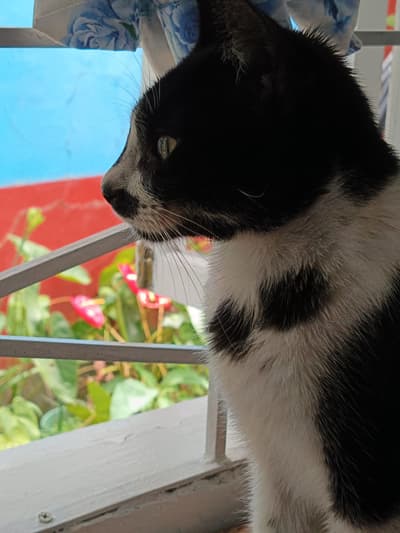
cat-400. Photograph: A tuxedo cat looking at the window, Punkressph, CC0.
lake-peak-480.
daisy-q30. Photograph: Macro flower wallpaper, Free Nature Stock, CC0.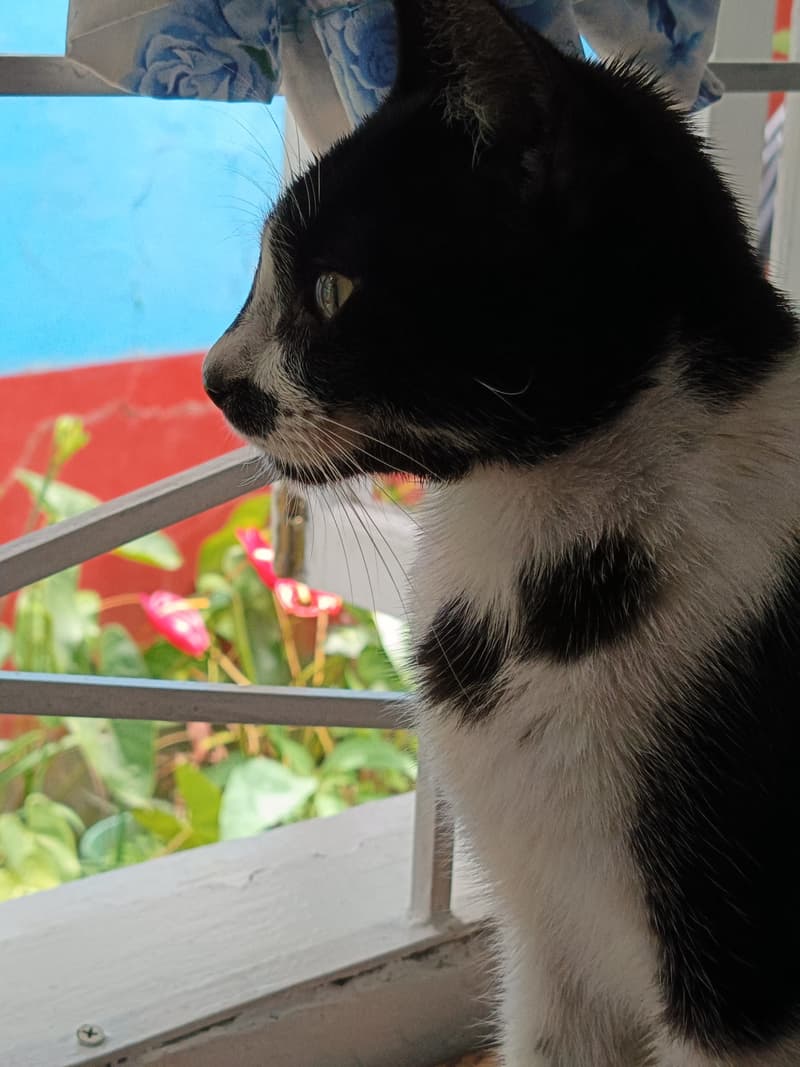
cat-800.
daisy-q70.
lake-peak-800.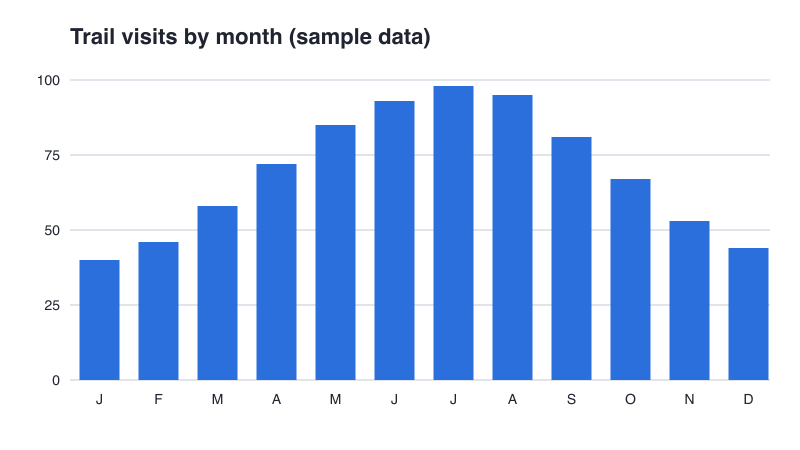
chart.png, a drawing, so a lossless PNG. The end of the page.